1+1[1] 2This is the first in a series of blog posts looking at the basics of R and RStudio. These programs allow us to perform various basic and complex calculations.
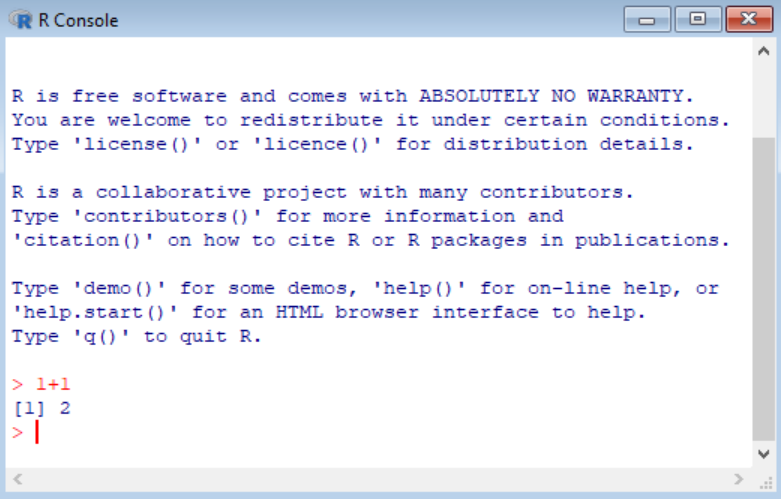
To get started, first, we will open R or RStudio. In R, go to the console, and in RStudio, head to the console pane. Next, type in a basic arithmetic calculation such as “1 + 1” after the angle bracket (>) and hit “Enter.”
An example of a basic calculation:
1+1[1] 2The output will be observed next to the square bracket containing the number 1 ([1]).
Additionally, to include comments into the code block we use the hash (#) symbol. Anything written after the code block will be commented out and not run.
# A simple arithmetic calculation (which is not run because of the hash symbol)
1+1
[1] 2Various arithmetic operators (listed below) can be used in R/RStudio.
| Arithmetic Operator | Description |
|---|---|
| + | Addition |
| - | Subtraction |
| * | Multiplication |
| / | Division |
| ** or ^ | Exponentiation |
| %% | Modulus (remainder after division) |
| %/% | Integer division |
10+30[1] 4030-24[1] 620*4[1] 8093/4[1] 23.253^6[1] 72994%%5[1] 454%/%7[1] 75-1+(4*3)/16*3[1] 6.25